Annual Diary
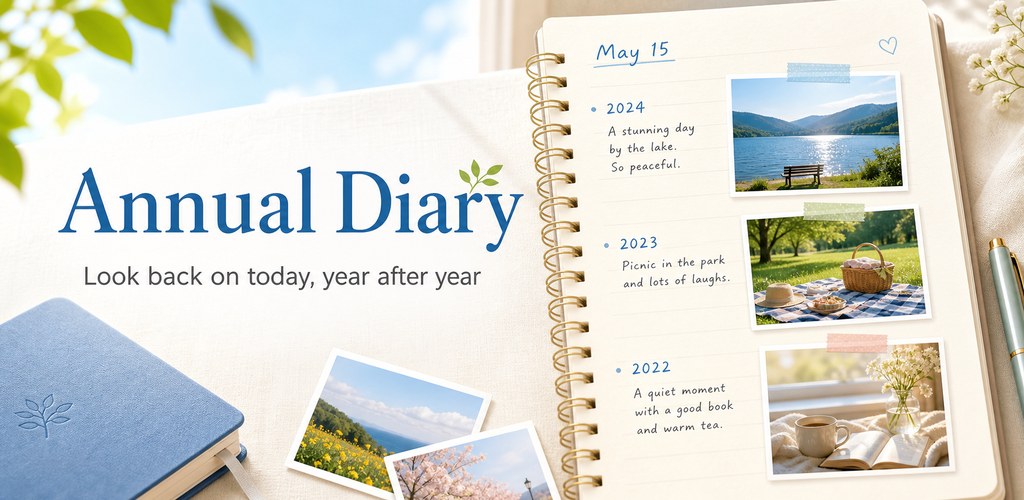
A perpetual multi-year diary that reads like a paper 3-year, 5-year, or 10-year journal
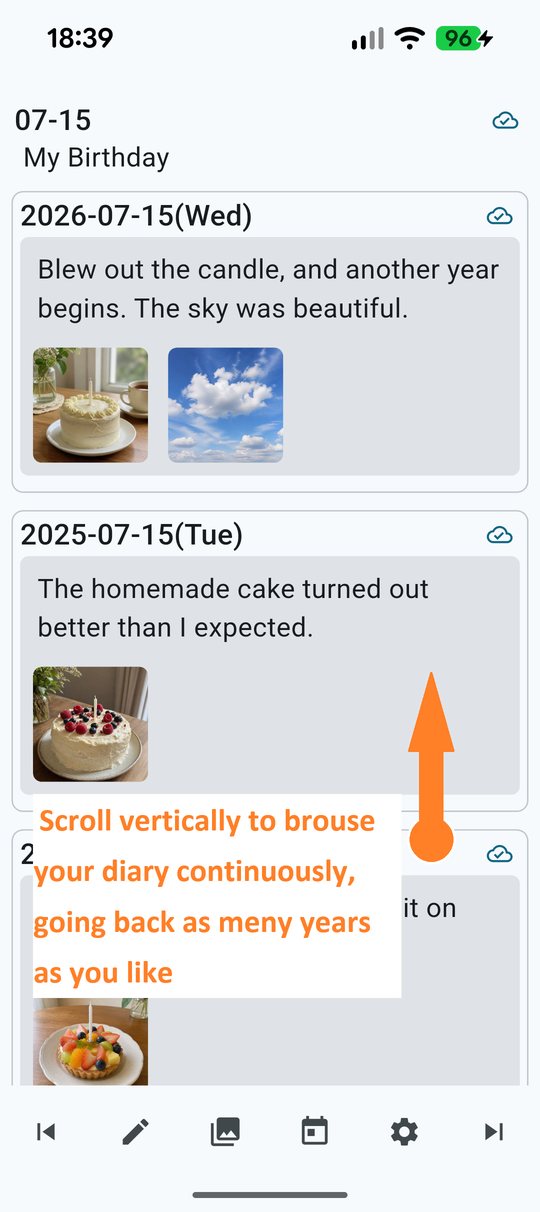
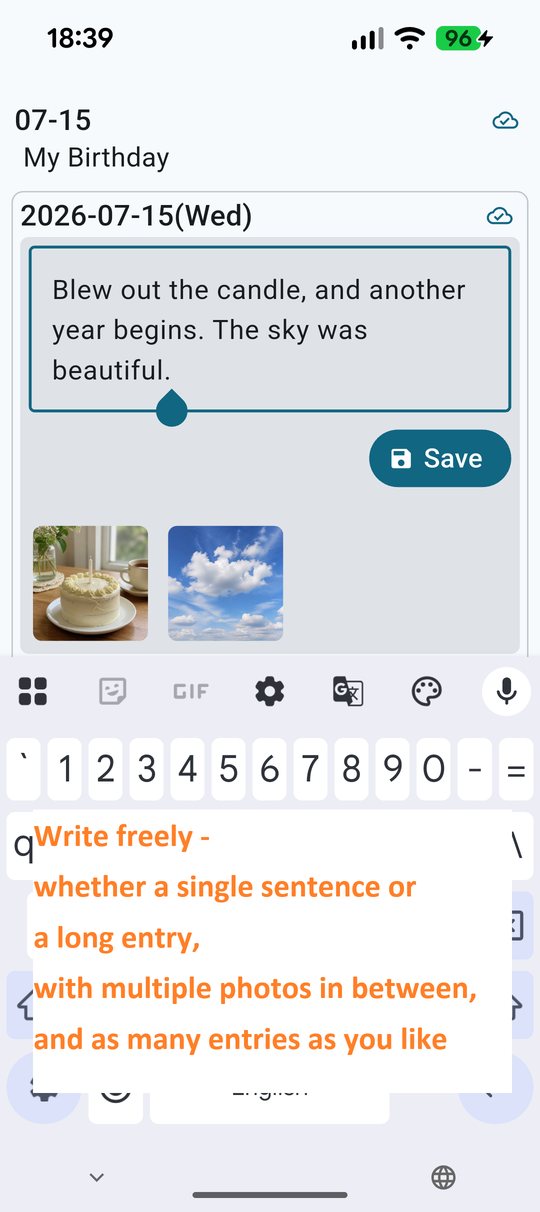
Annual Diary is a perpetual multi-year diary, inspired by traditional 5-year journals. It works like a paper 3-year, 5-year, or 10-year journal, but there is no limit to how many years you can keep writing. It runs on Android and on Windows.
Write today's entry, and entries from the same date last year and the year before appear right underneath, photos and all. You can scroll back as far as your diary goes, and you can open any past year's entry at any time to add to it, or to attach a photo.
What were you doing on this day last year, and what was on your mind? What happened on this date in the years before that?
Meet your past self, every time you write
Open the app and it takes you straight to today. Scroll down and you will find entries from the same date last year, the year before, and every other year in which you have written.
A single line is enough. So is a single photo. If that suits you, use it as a one line a day journal. Next year, whatever you wrote will be waiting for you on the same day.
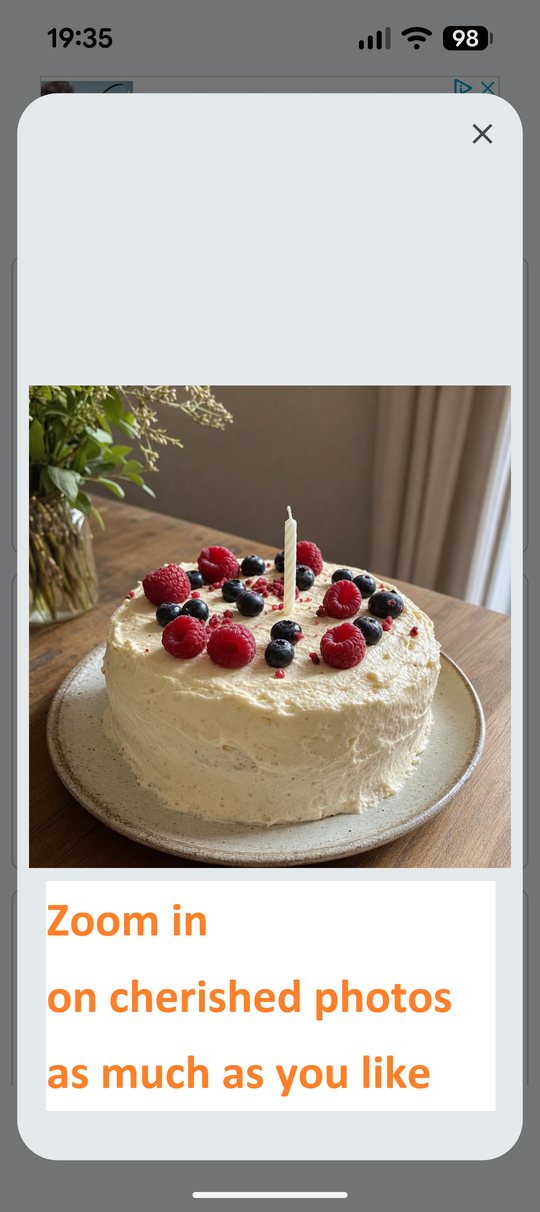
Text-only entries read naturally on their own, while entries with pictures turn it into a photo diary.
If a whole year feels like too long to wait, switch the look-back to monthly or weekly and revisit on a shorter cycle.
How it differs from a paper 3-year, 5-year, or 10-year diary
A paper diary ends after 3, 5, or 10 years. Annual Diary has no limit. For as long as you keep writing, the stack of entries under each date keeps growing.
Days you missed, and things that happened before you installed the app, can still be filled in later. Open any past date and write, or attach a photo. If you are moving over from a paper diary, you can copy it across a little at a time.
There is nothing to carry around, everything you have written can be searched by keyword, and photos go straight into the entry.
On your PC, or on your phone
Annual Diary runs on both Android and Windows, and the two share the same diary through your own Google Drive.
Take a photo on your phone and put it straight into the entry, or jot a note on your commute, then sit down at your PC afterwards and expand it into a longer entry with a full-size keyboard. A big screen is also the nicest way to wander back through old entries and look at the photos again.
There is no separate Annual Diary account to create. Both apps synchronize their local diary files through a folder in your Google Drive, so let saving and syncing finish before you switch to the other device.
Note that the passcode lock, and the scheduled daily sync, are features of the Android version.
Main features
- Entries from the same date in past years, together on one screen
- Text and photos in any order you like
- Keyword search across everything you have written
- Jump to any date from the calendar
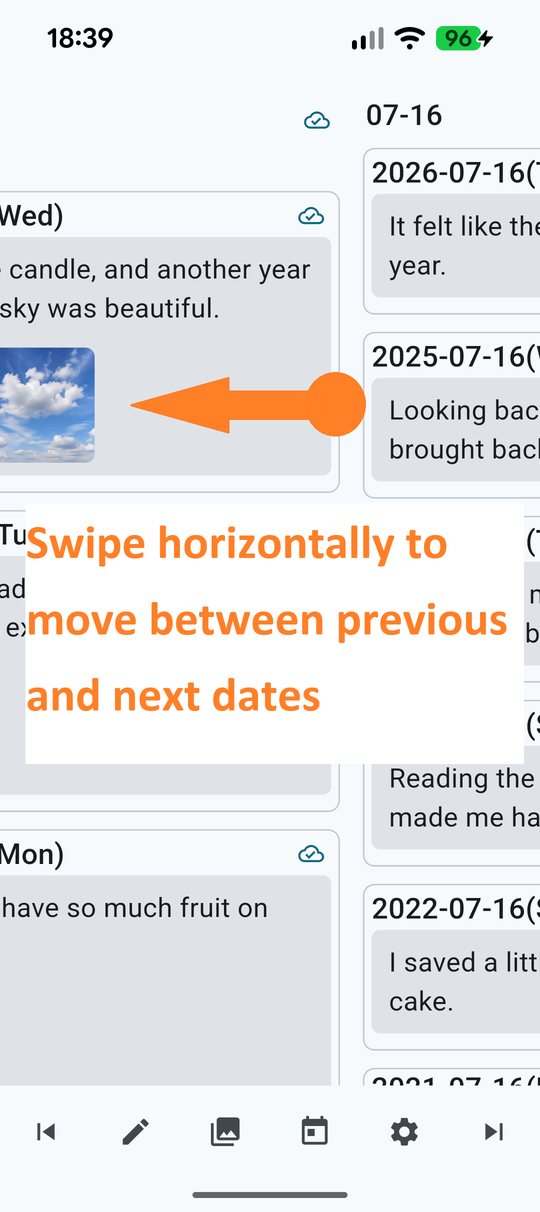
- Previous and next day with a single tap or click
- Yearly, monthly, or weekly look-back
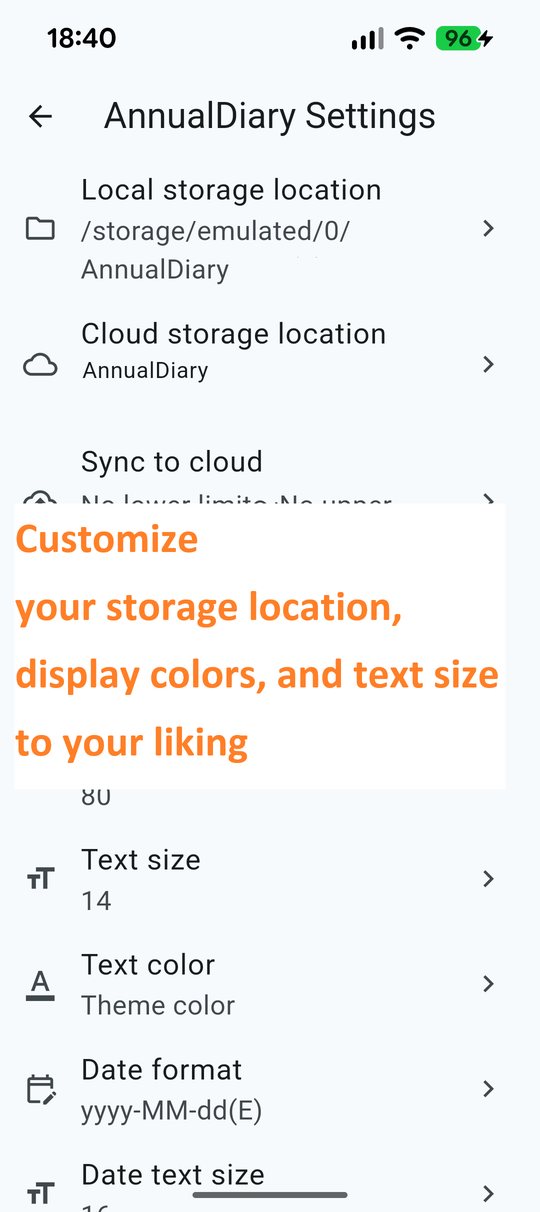
- Text size, text color, and background color to your taste
- Passcode lock (Android version)
- Google Drive backup, shared between Android and Windows
Your diary belongs to you
Entries are saved as plain text files, and photos as ordinary image files, in a folder on your own device. Not in a proprietary database, and not on a diary-storage server operated by us, because no such server exists.
Turn on Google Drive and those same files are copied into a folder in your own Google Drive. If your device breaks, or you move to a new one, sign in with the same Google Account, point the app at the same folder, and your diary comes back.
Because the entries are plain text, you can read them without this app.
Photos you attach are saved again as part of the diary, so they stay even if you delete the original. They are also kept out of your photo gallery, so your diary pictures do not normally appear mixed in with the rest.
Good for
- Small moments from ordinary days
- Children, family, pets, and plants growing up
- Health, meals, exercise, and weight over the years
- Trips, hobbies, making things, and practice
What is free, and the monthly option
Writing, reading, photos, search, and Google Drive backup are free. Backup and recovery are included in the free version.
With the monthly option, synchronization becomes automatic. New entries are uploaded in the background after you write, and on Android you can schedule a daily sync for anything still waiting to be uploaded. It includes a one-month free trial, then renews monthly. Without the option, you can still upload everything unsynced at once whenever you choose.
The Android version shows ads, which are hidden while the monthly option is active. The Windows version has no ads.
Frequently asked questions
Is it free?
Yes. Writing, reading, attaching photos, searching, and backing up to Google Drive are all free. The means to protect a diary you care about is not placed behind a payment.
Can I move over from a paper 3-year or 5-year diary?
Yes. You can go back to any past date and write there, so you can copy your paper diary across a little at a time. Photos can be added to past dates too.
How many years can I keep?
There is no limit. Unlike a paper diary, it does not end after 3, 5, or 10 years.
Can I use the same diary on my phone and my PC?
Yes. There is an Android version and a Windows version, and they share the same diary through your own Google Drive. Let saving and syncing finish before you switch to the other device.
What happens when I change devices?
As long as synchronization to Google Drive has completed, sign in to the same Google Account on the new device and select the same storage location, and you can carry on with your diary.
If I stop using the app, can I still read my diary?
Yes. Entries are kept as plain text files and photos as ordinary image files, so you can read them without this app.
Can the developer see my diary?
No. Annual Diary does not operate a diary-data server. Your diary is stored only on your own device and in your own Google Drive.